
This document is a user manual for Philips monitors, including customer service and warranty, troubleshooting and common problem solutions.
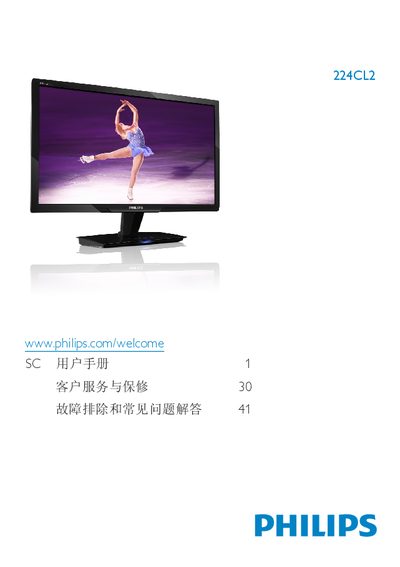
This manual covers important safety measures, proper handling, and disposal of the Philips 224CL2 21.5" monitor. It explains how to install the unit, connect power and video cables, and configure the on‑screen display (OSD) settings such as SmartImage modes and color temperature.
The document also lists the technical specifications of the monitor, details warranty and service information, and provides a comprehensive troubleshooting section with answers to common questions about resolution, refresh rate, image retention, and cleaning procedures. This manual is written in Chinese.
| Panel type | TFT‑LCD |
|---|---|
| Screen size | 21.5" (54.69 cm) |
| Aspect ratio | 16:9 |
| Pixel pitch | 0.0827 × 0.248 mm |
| Brightness | 250 cd/m² |
| Contrast ratio (typical) | 1000:1 |
| Response time (typical) | 2 ms |
| Native resolution | 1920 × 1080 @ 60 Hz |
| Viewing angles | 176° H / 170° V |
| Color gamut | 16.7 million colors |
| Vertical refresh rate | 56 – 76 Hz |
| Horizontal frequency | 30 kHz – 80 kHz |
| Sleep power consumption | 0.27 W |
| Standby power consumption | 0.21 W |
| Signal inputs | HDMI (digital), VGA (analog) |
Use a clean, slightly damp soft cloth for routine cleaning; for deeper cleaning, use isopropyl alcohol. Avoid organic solvents such as ethanol, acetone, or ammonia.
The recommended refresh rate is 60 Hz; if interference appears, you may try up to 75 Hz to see if it resolves the issue.