
This document is the user manual of Philips 598 phone, which introduces the basic functions and operation methods of the phone, including power on/off, making a phone call, answering incoming calls, rejecting incoming calls, adjusting the call volume, adjusting the ringtone volume, etc.
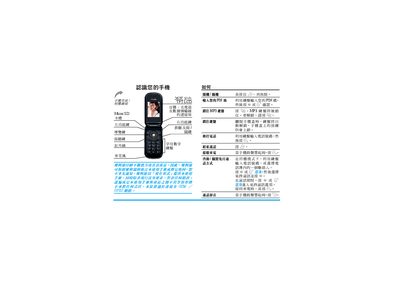
This manual describes the three operating modes of the Philips 598 phone – standby, MP3 and call mode – and explains the functions of each of the four control keys. It covers how to answer, reject or mute calls, adjust volume, navigate the menu, and use the MP3 player (play, pause, next/previous track).
Additional sections explain how to insert and remove the SIM card, use the built‑in phonebook, send MMS, access internet features, and configure language input methods. The document also includes warranty information and regulatory compliance details. This manual is written in Chinese.
| Network bands | GSM 900/1800/1900 |
|---|---|
| TAC | 35255601 |
| Safety standard | ETSI EN 60950-1:2001 |
| Health standards | EN 50360:2001, EN 50361:2001 |
Press and hold any of the three control keys while in standby mode to open the corresponding mode screen.
Insert the SIM card into the designated slot; the phone will then display the SIM‑related menu items.