
This document is an instruction manual for a CASIO watch, which introduces the methods of use, precautions, and features of the watch. The watch features solar charging, power-saving function, setting of illumination duration, and setting of the second time display. It also introduces the different modes and operations of the watch.
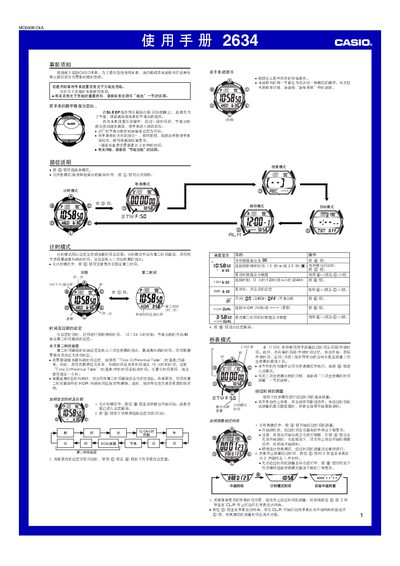
This manual provides step‑by‑step instructions for using the Casio 2634 1MO0408‑CkA watch, including charging, time/date setting, alarm configuration, and special triathlon timing functions. It also covers battery management, illumination settings, and troubleshooting tips.
The watch is powered by a solar cell and a rechargeable battery, offers multiple alarms, a stopwatch with split‑time and automatic‑start features, and an auto‑illumination function that activates when the wrist is turned. All operations are performed using the D, B, C, E, L, and A buttons as described in each mode. This manual is written in Chinese.
| Power source | Solar cell + rechargeable battery |
|---|---|
| Replaceable battery model | CTL1616 |
| Memory capacity | 51 records |
| Illumination duration | 1.5 s or 2.5 s |
| Battery level indicator | 4 levels (0‑4) |
Place the watch in bright light; the solar cell will charge the internal rechargeable battery.
In any mode, press and hold the L button for about 2 seconds to toggle auto‑illumination on or off.