
This document is a user manual for the Casio digital camera QV-5700, providing information on its features, usage, and precautions.
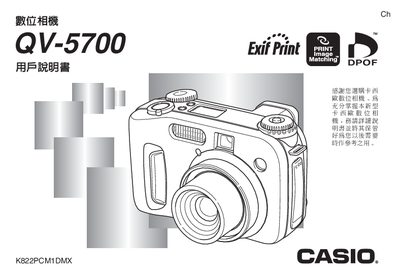
This manual explains the basic operation of the Casio QV-5700 digital camera, covering topics such as power requirements, battery installation, and how to capture images using various shooting modes. It also details the use of the built‑in flash, focus options, and playback functions.
Additional sections describe how to connect the camera to external devices, print images, and troubleshoot common issues. The document includes specifications for the LCD screen, shutter speed range, lens aperture, and battery performance. This manual is written in Japanese.
| Weight (without battery) | ≈ 355 g |
|---|---|
| Battery type | Four AA rechargeable batteries (AA型充電電池) |
| LCD screen | 1.8‑inch TFT, 122,100 pixels (555 × 220) |
| Shutter speed range | 1/2 s – 1/1000 s |
| Lens aperture range | F2.0 – F8.0 |
It uses four AA rechargeable batteries.
Use the "設定目前日期及時間" menu to adjust the date and time.
The camera weighs approximately 355 g without batteries.