
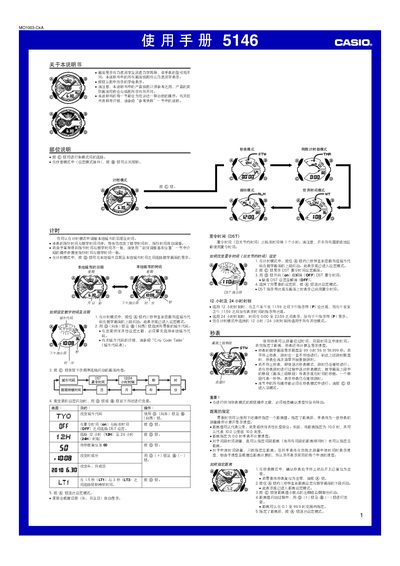
This manual explains how to use the Casio 5146 watch in its various modes, including standard timekeeping, stopwatch, countdown timer, world‑time, and alarm settings. It describes how to switch between 12‑hour and 24‑hour formats, adjust daylight‑saving time, and set city codes for world‑time display.
The guide also covers advanced features such as automatic illumination, manual calibration of the hands, battery replacement, and troubleshooting tips. Detailed specifications of the watch’s accuracy, measurement limits, and battery life are provided at the end of the document. This manual is written in Chinese.
| Monthly accuracy | ±15 seconds |
|---|---|
| Measurement resolution | 1/1000 second |
| Measurement limit | 99:59:59.999 |
| Battery type | CR1220 |
| Battery life | ≈2 years |
While in stopwatch mode, press and hold the @ button for about three seconds to reset the stopwatch to 00.