
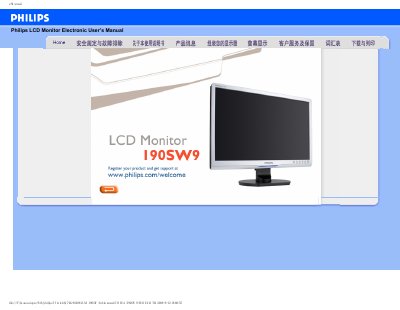
This manual covers safety precautions, proper handling, cleaning, and environmental requirements for the Philips 190SW9 LCD monitor. It explains how to avoid damage, maintain the display, and what to do if the unit becomes wet or experiences static.
Installation steps, driver installation, and common troubleshooting questions are provided, including how to adjust resolution, reset settings, and understand refresh rate. FAQs also address power‑up issues and compatibility with PCs and Apple computers. This manual is written in Chinese.
| Operating Temperature | 0‑40 °C (32‑95 °F) |
|---|---|
| Relative Humidity | 20‑80 % |
Set the video mode to 1440 × 900 @ 50 Hz: disconnect cables, adjust Windows display settings to 1440 × 900, set refresh rate to 60 Hz, then restart the computer and reconnect the monitor.
For LCD monitors the refresh rate is not critical; a 60 Hz rate provides a stable, flicker‑free image, and higher rates such as 85 Hz do not produce a noticeable difference.
Make sure the AC power cable is properly connected to the outlet and press a key on the keyboard or mouse to wake the PC.