
This is a Philips audio player with the model number SA2300, SA2305, SA2310, SA2315, SA2320, and SA2325. It supports MP3, WMA, WAV, and other music formats, and comes with an FM radio and Bluetooth functionality.
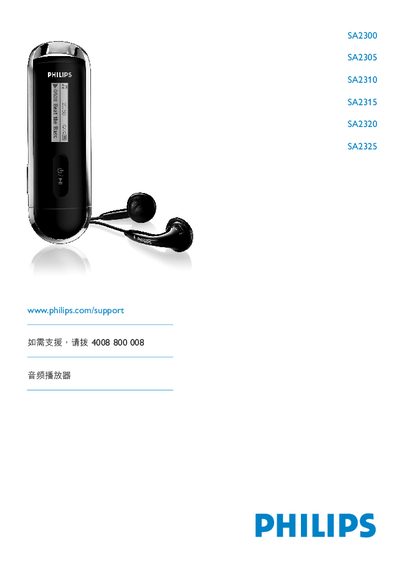
This manual covers important safety information, unpacking, registration, and initial setup for the Philips SA2300‑SA2325 audio players. It explains how to insert batteries, connect the device to a computer via USB, and use the included Philips Device Manager software.
Detailed operation sections describe music playback, FM radio, voice recording, file management, and firmware upgrades. The document also includes technical data, a FAQ, and a glossary of terms. This manual is written in Chinese.
| Supported Operating Systems | Windows XP, ME, 2000 |
|---|---|
| Minimum CPU | 300 MHz Pentium |
| Minimum RAM | 128 MB |
| Minimum Hard Disk Space | 500 MB |
Exit the application using the player, then click the safe removal icon in the Windows task bar before unplugging the USB cable.
Operate between 0 °C and 35 °C and store between –20 °C and 45 °C.