
This PDF document contains user manuals, operation guides, FAQs and other information for Philips SA2200 series players.
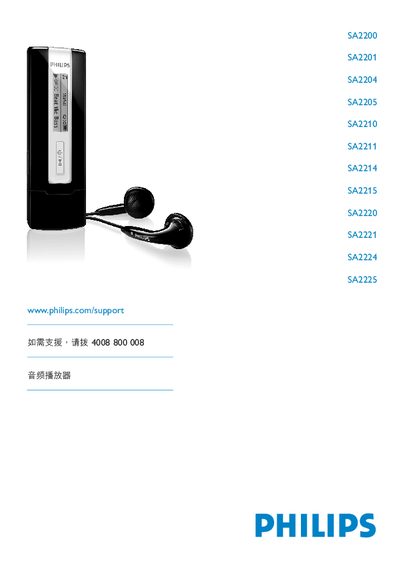
This manual introduces the Philips SA2200–SA2225 series audio players, covering safety precautions, product contents, registration, initial setup, and connection methods. It explains how to insert batteries, read battery indicators, transfer files via USB, and use the player’s functions such as music playback, FM radio, and voice recording.
Further sections detail advanced operations, firmware upgrades, technical specifications, common troubleshooting questions, and a glossary of terms. The document also includes environmental and recycling information for proper disposal of the device. This manual is written in Chinese.
| Operating Temperature | 0 °C to 35 °C |
|---|---|
| Storage Temperature | -20 °C to 45 °C |
| USB Connector | Standard USB |
| Supported Audio Formats | MP3, WMA |
| FM Radio | Optional (region‑dependent) |
Exit the application using the player, then click the safe‑remove icon in the Windows taskbar before unplugging the USB cable.
The battery indicator on the screen shows four states: full, two‑thirds full, half full, low, and empty. When the battery is low, the indicator flashes and the player will shut down after about 60 seconds.
Remove the USB protection cover, slide open the battery door, insert an AAA battery into the battery compartment, then close the door.
Connect the player to a computer, run Philips Device Manager from the supplied CD (or download it from the Philips support site), and follow the on‑screen instructions to check for and install the latest version.