
GoGear Vibe User Manual, Introduces the product features of GoGear Vibe, including how to use, how to connect to computer, how to play music, videos, pictures, how to record, etc.
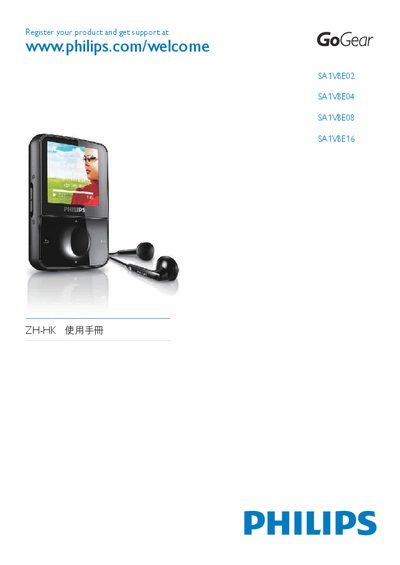
This manual provides instructions for using Philips GoGear Vibe MP3 players, including model-specific storage capacities (2GB to 16GB). It covers basic operations such as playback, FM radio, USB connectivity, and compatibility with Windows Media Player 11. The device supports MP3, WMA, and JPEG formats, with specifications for audio and video playback. It also includes setup steps for Windows-based systems and troubleshooting tips for common issues. This manual is written in Chinese.
| Storage Capacity | 2GB, 4GB, 8GB, 16GB |
|---|---|
| Display | 128 x 128 pixel LCD |
| System Requirements | Windows XP (SP2) / Vista, Pentium III 800 MHz, 520 MB RAM, 500 MB free space, USB port |
| Battery Life | 290mAh |
Requires Windows XP (SP2) or Vista, Pentium III 800 MHz processor, 520 MB RAM, 500 MB free space, and a USB port.
SA1VBE02 has 2GB, SA1VBE04 has 4GB, SA1VBE08 has 8GB, and SA1VBE16 has 16GB of NAND flash storage.