
Philips MCM103 Multimedia Player Quick Start Guide

This is a quick start guide for Philips MCM103. It mainly introduces how to connect power, play CD, play USB, listen to the radio
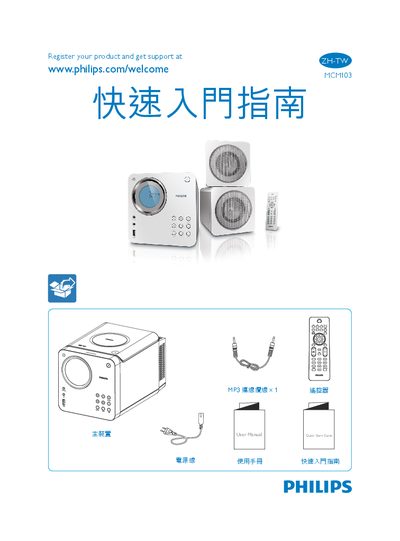

Philips MCM103 Multimedia Player Quick Start Guide - cover page
Brand
Philips
Category
Other Electronics
Document type
Quick Start Guide
Language
Chinese
Pages
3
File format
PDF
File size
1.7 MB
Published
15 October, 2011
Updated
30 September, 2023
Model
MCM103
MD5 checksum
9224E9720426529BF26753A69666F1DB

About this manual

This Quick Start Guide provides step‑by‑step instructions for getting the Philips MCM103 multimedia player up and running. It includes details on connecting the power cable, using the remote control, and navigating the main menu.

The guide also explains how to set the clock, play music from a USB drive, use the radio function, and enable shuffle mode, helping users make full use of the device's features. This manual is written in Chinese.

What's inside

  • Quick Start Guide
  • Remote Control
  • Power Connection
  • USB Playback
  • Clock Setup
  • Radio Function
  • Shuffle Mode

Frequently asked questions

How do I set the clock on the MCM103?

Press and hold the B and C buttons to set the clock.

Download PDF (1.7 MB)

More Philips Manuals


View all Philips manuals →