
This is a user manual for an audio player. It contains information about the product's features, usage methods, and FAQs.
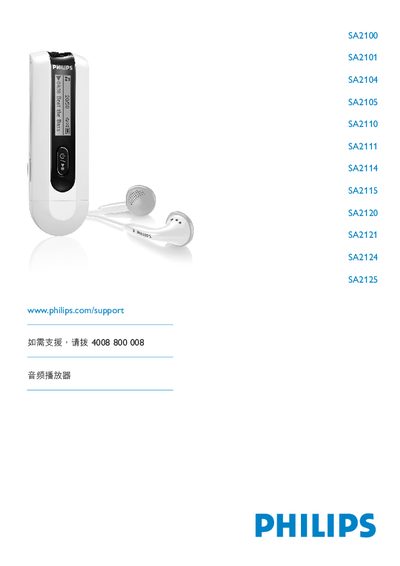
This manual covers important safety information, product contents, registration, and initial use of the Philips SA2100‑SA2125 audio players. It explains the control keys, connection options, battery installation, USB transfer, and how to safely disconnect the device.
The guide also details music playback, radio functions, voice recording, settings adjustments, and firmware upgrades. Supported audio formats are MP3 and WMA, with a maximum bitrate of 320 kbps, and the device operates on AAA batteries and a USB connector. This manual is written in Chinese.
| Operating temperature | 0 °C to 35 °C |
|---|---|
| Storage temperature | -20 °C to 45 °C |
| Supported audio formats | MP3, WMA |
| Maximum supported bitrate | 320 kbps |
| USB connector | Present |
Open the battery compartment, remove the cover, and place an AAA battery into the battery slot.
Connect the player to a computer via USB; it will appear as a large‑capacity storage device in Windows Explorer, allowing you to copy files.