
This instruction manual explains how to install the Vacon IP54 kit for the NX range of VFDs. The kit increases the IP rating of IP21 VFDs to IP54.
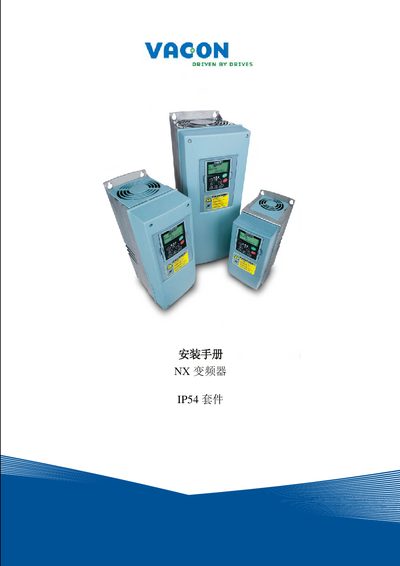
This guide explains how to upgrade a Vacon NX inverter with the IP54 kit, improving the protection level from IP21 to IP54 for environments with dust or moisture. It lists the kit components for the three model codes (FR4, FR5, FR6) and provides the necessary safety warnings.
The document details step‑by‑step installation procedures, including removal of the fan, fitting of the IP54 cover, cable connections, and placement of the information label. Contact information for Vacon support centers worldwide is also included. This manual is written in Chinese.
| Protection Level | IP54 |
|---|---|
| Kit Model Code | NXIP54FR4 |
| Kit Model Code | NXIP54FR5 |
| Kit Model Code | NXIP54FR6 |
The kit upgrades the inverter from IP21 to IP54, protecting against dust and splashing water.
It can be installed on the FR4, FR5, and FR6 variants of the Vacon NX inverter.
After fitting the IP54 cover, attach the supplied information label and record the installation date.