
This user manual introduces the technical data, wiring and connection, grounding, bus termination resistance, bus voltage bias, LED indication, installation, debugging, MODBUS, METASYS N2 and other contents of NX variable frequency drive RS-485 option card (multi-protocol).
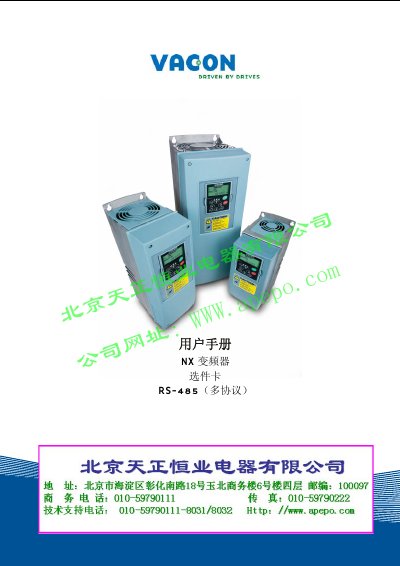
This manual describes the Vacon NX frequency converter RS‑485 option card, which enables communication over RS‑485 using Modbus RTU or Metasys N2 protocols. It explains how to install the card in the inverter control board slot and how to connect it to the fieldbus.
The document includes technical specifications, wiring diagrams for the OPT‑C2 and OPT‑C8 connectors, grounding methods, bus termination, voltage bias, LED indicators, installation steps, debugging procedures, protocol details, fault tracking tables, and an appendix with process data registers. This manual is written in Chinese.
| Interface | OPT‑C2: 5.08 mm pluggable; OPT‑C8: 9‑pin D‑sub (female) |
|---|---|
| Data transmission | RS‑485, half‑duplex |
| Cable type | Twisted pair (1 pair shielded) |
| Insulation voltage | 500 VDC |
| Supported protocols | Modbus RTU, Metasys N2 |
| Baud rates | 300‑38400 bps |
| Operating temperature | ‑10 °C to 55 °C |
| Safety standard | EN50178 |
It supports Modbus RTU and Metasys N2 protocols.
The card can be wired with a 5‑pin pluggable connector (OPT‑C2) or a 9‑pin D‑sub female connector (OPT‑C8).
Replace the option card and reset the device.