
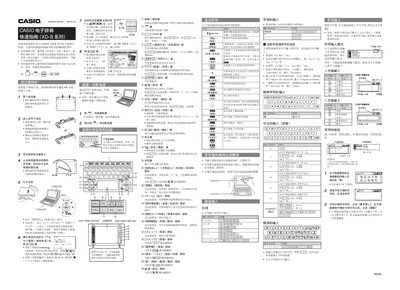
The XD‑B series electronic dictionary from Casio is a handheld device that offers multilingual word lookup, handwriting input, and audio pronunciation. This guide covers the essential steps to get the dictionary ready for use, including battery installation, power control, and basic navigation.
Key functions include using the included handwriting pen for character entry, switching language modes, accessing the Quick Palette for fast commands, adjusting volume, and listening to real‑voice or synthetic speech for selected words and phrases. This manual is written in Chinese.
Press the yellow power key or press the handwriting pen to toggle the power state.
Touch the screen icons with the handwriting pen to perform operations; avoid using sharp objects that may break the tip.