
CE-300 Audio KVM Extender User Manual, introduces the installation and usage of CE-300 Audio KVM Extender to users
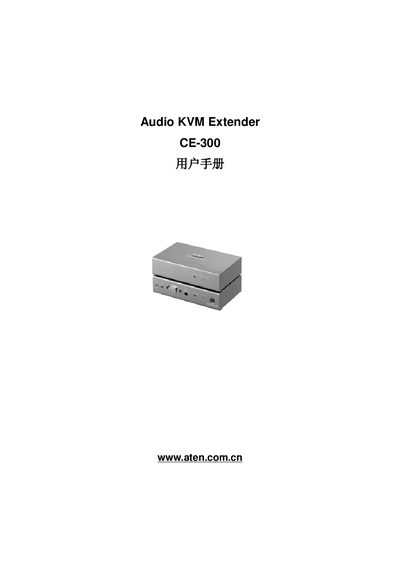
This manual covers the CE-300 Audio KVM Extender, a device that extends keyboard, video, mouse and audio signals over Cat‑5 cable up to 100 m. It includes safety information, hardware installation steps, and detailed operation guidance.
The document also provides specifications, troubleshooting tips, and contact details for technical support worldwide, ensuring users can set up and maintain the extender correctly. This manual is written in Chinese.
| Maximum cable length | 100 m (328 ft) |
|---|---|
| Power input | DC 5.3 V, 2.4 A |
| Power consumption | 2.5 W |
| Video resolution | 1280 × 1024 @ 60 Hz |
| Weight | 0.375 kg (near end) / 0.365 kg (far end) |
The CE-300 can transmit up to 100 meters (328 feet) over Cat‑5 cable.
The CE-300 supports one computer connection.
Firmware updates are performed with the built‑in Firmware Update Tool described in Chapter 4 of the manual.