
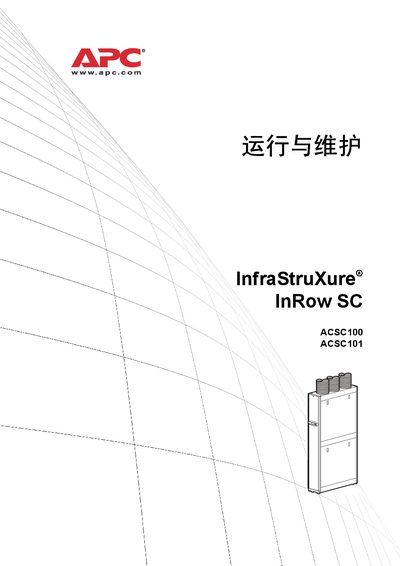
The APC InfraStruXure InRow SC is a cooling unit designed for infrastructure environments. This manual provides detailed instructions on using the local display interface, configuring network settings, and performing routine maintenance.
The document covers the operation of the LCD screen, menu navigation, password management for device and admin levels, and troubleshooting procedures to ensure optimal cooling performance. This manual is written in Chinese.
The red LED indicates a critical alarm requiring immediate attention, while the yellow LED indicates a warning alarm.
The device uses the mm/dd/yyyy format for dates and displays time with hours, minutes, and seconds.