
This document is the user manual for the Philips MCM169 music system. The manual describes the features and characteristics of the product, including USB recording, alarm timer, sleep timer, and external device connection.
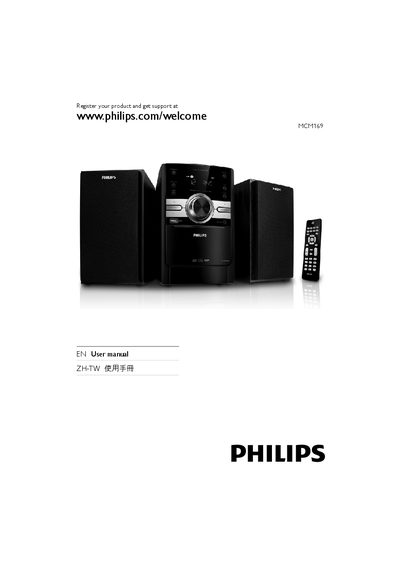
This manual introduces the Philips MCM169 CD player, its main unit, remote control, and accessories such as loudspeaker boxes, AC power cable, and MP3 link cable. It explains the product’s features, including CD playback, USB support, radio tuning, and sound‑enhancement settings.
The guide covers step‑by‑step setup (connecting speakers and power, preparing the remote), basic functions (turning on, playing discs, USB playback, radio tuning), advanced options (programming tracks, adjusting bass, setting timers), and troubleshooting tips for power, sound, remote control, disc detection, and USB issues.
Use the USB RECORD function to record audio from a disc directly onto a USB device.
Make sure the AC power plug is properly connected and that the outlet supplies power.
Press the TIMER ON/OFF button to enable or disable the alarm timer and set the desired time.