
MCD515 Quick Start Guide, introducing how to connect, set and enjoy the system.
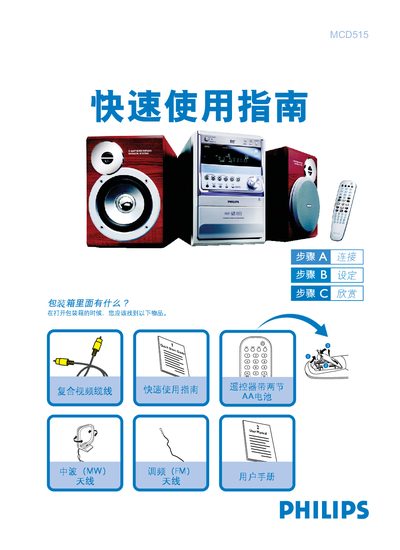
This quick start guide for the Philips MCD515 CD player shows what is in the box and how to connect the speakers, antennas, and TV.
It also explains setting the clock and system menu options, playing discs, and programming and tuning radio stations. Detailed playback features and other functions are described in the included user manual. This manual is written in Chinese.
The package contains a Quick Start Guide and a User Manual.
In standby mode, hold CLOCK SET, use VOLUME or VOL+/- to set the hours and minutes, then press CLOCK SET again to confirm.
Press OPEN•CLOSE to open the disc tray, insert the disc with the label side up, close the tray, and playback starts automatically.
Select the tuner source, hold PROGRAM for more than 3 seconds to program all available stations, then use PRESET O/P to choose a preset station.