
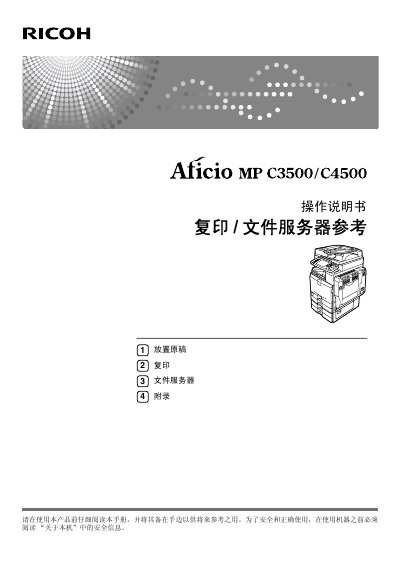
This is the operating instructions manual for the Ricoh Aficio MP C3500/C4500 multifunction machine. It explains the machine's color copy functions, including switching between full-color and black-and-white copying, converting a specific color in the original to another color, erasing a specified color, and adding a colored background to the whole page.
The manual also describes printing marks on copies such as background numbers, preset stamps, user stamps, date stamps and page numbers, and how to adjust colors by mixing the colors next to each other on the color circle. A list of related manuals (About This Machine, General Settings Guide, Troubleshooting, Security Reference, Copy/Document Server Reference, Facsimile Reference, Printer Reference, Scanner Reference, Network Guide) and the machine's overseas affiliates are included. This manual is written in Chinese.
| Model 1 copy speed | 35 pages/minute (A4) |
|---|---|
| Model 2 copy speed | 45 pages/minute (A4) |
| Full-color copy colors | Yellow, magenta, cyan and black |
| Measurement units | Metric |
Model 1 copies at 35 pages per minute for A4, and Model 2 copies at 45 pages per minute for A4.
Full-color copies use four colors: yellow, magenta, cyan and black.
Yes. The machine can copy by changing a specific color in the original into another color, or by erasing a specified color from the original.
Copies can carry marks such as background numbers, preset stamps, user stamps, date stamps and page numbers.