
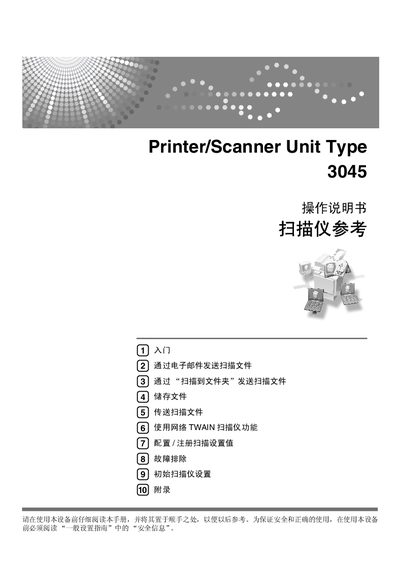
This manual explains how to safely install and operate the Ricoh 3045 printer/scanner unit. It includes safety information, initial setup steps, and an overview of the control panel functions.
The guide covers all major features such as sending scanned files via email (通过电子邮件发送扫描文件), scanning to a folder (通过“扫描到文件夹”发送扫描文件), using the network TWAIN scanner (使用网络 TWAIN 扫描仪功能), storing files locally (储存文件), and detailed troubleshooting procedures (故障排除). Configuration of scan settings and advanced functions are also described. This manual is written in Chinese.
Use the "Send to Email" function described in the manual to email scanned documents directly from the device.
Enable the network TWAIN scanner function and follow the setup steps to scan documents over the network.