
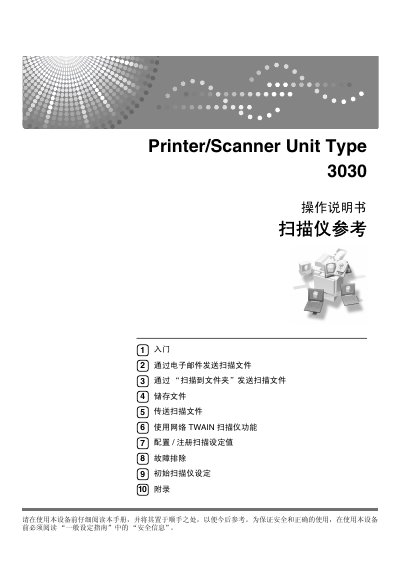
Ricoh PrinterScanner Unit Type 3030 Scanner Operation Manual


Ricoh PrinterScanner Unit Type 3030 Scanner Operation Manual - cover page
Brand
Ricoh
Category
Printer
Document type
User Manual
Language
Chinese
Pages
128
File format
PDF
Published
29 September, 2011
Updated
29 September, 2023
MD5 checksum
D43F80449D9AF3A106180F61D7255821

About this manual

This manual describes the scanner functions of the Ricoh PrinterScanner Unit Type 3030. It explains how to send scanned files by email, to a folder, by network delivery, and using the network TWAIN scanner function, as well as how to store files.

It also covers configuring and registering scan settings, troubleshooting, and initial scanner settings. Read the safety information in the General Settings Guide before using the device. This manual is written in Chinese.

What's inside

  • Getting started
  • Control panel
  • Network scanner
  • Email
  • Scan to Folder
  • Store
  • Network delivery scanner
  • Network TWAIN scanner
  • Configure/register scan settings
  • Troubleshooting

Frequently asked questions

What scanner functions does this manual cover?

It covers the scanner functions of the device, including operation, features, and troubleshooting for scanning.

What must be read before using the device for safety?

You must read the Safety Information in the General Settings Guide before using the device.

What is on the provided CD?

The CD contains the Printer/Scanner Drivers and Utilities.

Download PDF

More Ricoh Manuals


View all Ricoh manuals →