
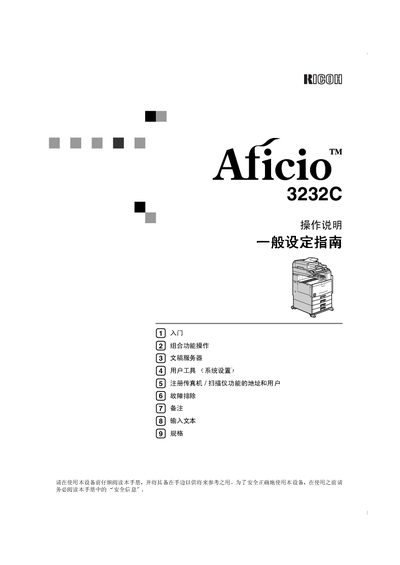
The Ricoh Aficio 3232C is a multifunction device combining copier, fax, printer, and scanner capabilities. This manual serves as a general setup guide, covering system settings, document server functions, and troubleshooting.
Key features include the ability to save scanned documents to the hard disk for later printing or faxing, paperless faxing via the internet, and network-based device monitoring using SmartDeviceMonitor. This manual is written in Chinese.
| Power Supply | 220v, 50Hz, 8A or more |
|---|---|
| Laser Class | Class 1 |
| Laser Diode Power | 7 mW |
| Laser Wavelength | 645-660 nm |
Ricoh recommends using genuine Ricoh toner to ensure high print quality.
Yes, users can check device status, such as paper quantity or paper jams, using SmartDeviceMonitor for Admin, SmartDeviceMonitor for Client, or a web browser.