
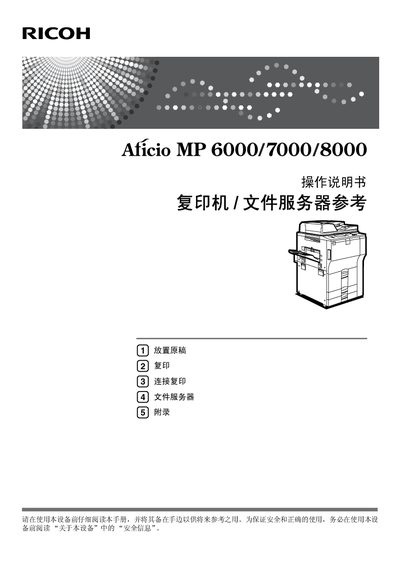
This manual covers the complete operation of the Ricoh Aficio MP6000, MP7000 and MP8000 series multifunction copiers and document servers. It includes safety information, setup steps, paper handling, and detailed descriptions of each function such as copying, printing, scanning, and network configuration.
Additional sections provide supplemental information on PostScript 3, UNIX, batch mode, mixed‑size mode, manual‑feed options, booklet and magazine creation, as well as a comprehensive troubleshooting guide and safety reference for administrators. This manual is written in Chinese.
Supported manual‑feed paper sizes include A3L, B4 JISL, A4KL, B5 JISKL, A5KL, B6 JISL, A6L, 8½" × 13"L, 8¼" × 13"L, 8" × 13"L, 8¼" × 14"L, 8½" × 14"L, 8½" × 11"KL, 8" × 10"KL, 7¼" × 10½"KL, 11" × 15"L, 11" × 14"L, 10" × 15"L, 10" × 14"L, 11" × 17"L, 8½" × 14"L, 8½" × 11"KL, 5½" × 8½"KL.
The manual explains that to create a booklet or magazine, users should follow the instructions in the “小册子 /杂志” section (see page 83).