
This document is an operating manual that includes general setup guidelines for the device and operation guides for various functions. It also provides safety information and troubleshooting solutions. Users are advised to read this manual carefully before using the device.
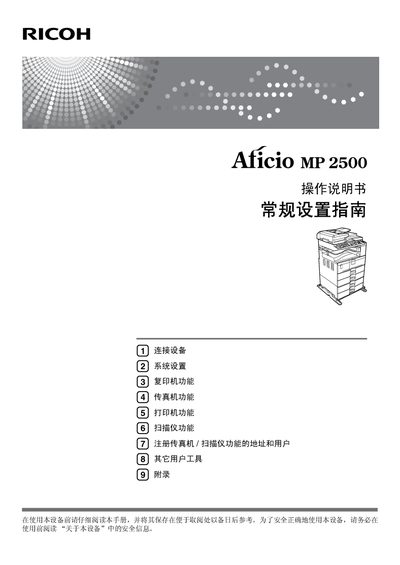
This document is the Chinese-language operation manual and general setup guide for the Ricoh Aficio MP2500 multifunction device. It explains how to connect the device, configure system settings, and use the copier, fax, printer, and scanner functions.
It also covers registering fax and scan destinations and users, including the address book, fax destinations, e-mail destinations, folders, groups, and user codes. The manual ends with an appendix of software copyright information and an index. This manual is written in Chinese.
| Document number | D327-7856 |
|---|---|
| Supported IEEE 802.11b wireless LAN interface | IEEE 802.11b |
| Parallel interface standard | IEEE 1284 |
| Samba version | Ver 3.0.4 |
It covers connecting the device, system settings, copier functions, fax functions, printer functions, scanner functions, registering fax and scanner destinations and users, and other user tools.
The manual covers the address book, fax destinations, IP fax destinations, e-mail destinations, folders, groups, and user code registration.
Adobe Acrobat Reader or Adobe Reader must be installed to view the manuals in PDF format.