
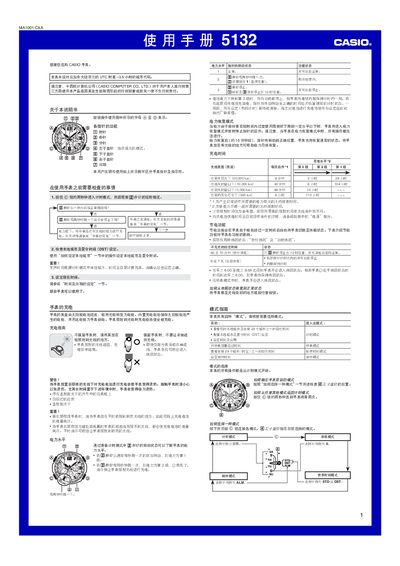
This manual provides instructions for the Casio 5132 solar-powered world time watch. It explains how to check the battery power level by observing the second hand and how to charge the watch using light. The guide details the operation of the four main modes: Time, Stopwatch, World Time, and Alarm. This manual is written in Chinese.
| Power Source | Solar battery |
|---|---|
| World Time Cities | 29 cities |
| Stopwatch Resolution | 1/100 second |
| Year Range | 2000 to 2099 |
Press the button to enter the timekeeping mode and observe the second hand. If it moves every second, power is level 1. If it moves every two seconds, power is level 2.
Charging time varies by light intensity. In bright sunlight (50,000 lux), it takes 8 minutes to 2 hours. In indoor light (500 lux), it takes 8 hours to 110 hours.
When power drops to level 3, all functions stop, but the watch keeps time internally for about a week. All settings will be cleared after a week.