
This document is a user manual for CASIO MA1004-CkA watch, which introduces the functions, charging method, and battery level indicator of the watch. The watch has a solar battery and can be charged by light. It displays different pointer states according to the battery level. The watch also has timing and date setting functions.
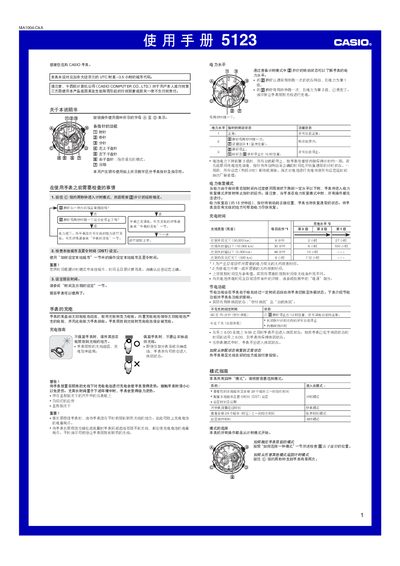
The guide covers basic operation of the watch, including mode selection, time and date setting, world‑time configuration, stopwatch use, alarm setup, and power‑saving functions. Detailed step‑by‑step instructions are provided for each function, along with safety warnings for charging and handling.
Additional sections describe how to adjust the baseline positions of all hands, perform troubleshooting for low power or stuck hands, and reference the city‑code table for worldwide time zones. A specifications table lists accuracy, power source, battery life, and other technical data. This manual is written in Chinese.
| Power source | Solar cell with rechargeable battery |
|---|---|
| Calendar range | Full‑auto from 2000 to 2099 |
| Stopwatch measurement limit | 23 min 59.99 s |
| Supported world‑time zones | 29 cities (time zones) |
Place the watch in bright light; the solar cell converts light to electricity and charges the internal battery.
In timing mode, hold the A button about five seconds until the second hand points to the desired city code, then use the D button to select the city and the B button to choose STD or DST.
Hold the C button for about two seconds, then the D button for about three seconds to enter baseline‑adjust mode, and use the D/ B buttons to move each hand to the 12‑o’clock position.
In alarm mode, press the A button to toggle the alarm on or off; the second hand indicates the current ON/OFF status.