
This document describes the features and characteristics of the CASIO MA1005-CkA watch, including radio wave timing function, charging method, and power level display.
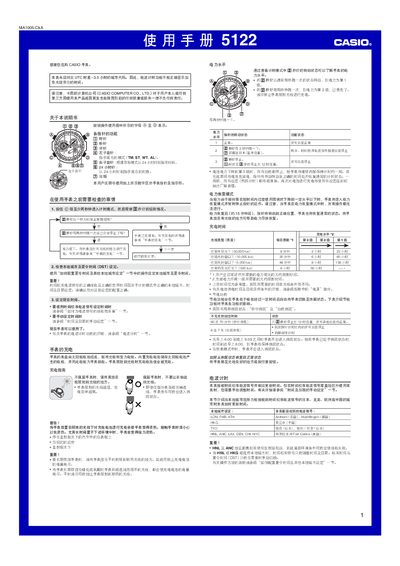
This Casio 5122MA1005-CkA user manual explains how to use the solar-powered watch, including checking power levels, charging under different light conditions, and waking the watch from sleep mode. It also describes radio wave timekeeping, local city and DST settings, and how to receive time calibration signals automatically or manually.
The manual covers mode selection, time and date setting, stopwatch, world time, alarm, and reference position adjustment for the Casio 5122MA1005-CkA watch. This manual is written in Chinese.
| Charging time (outdoor sunlight) | 8 min / 2 hr / 23 hr |
|---|---|
| Date auto-update range | Through Dec 31, 2099 |
| Radio signal reception time | 2–7 minutes, up to 14 minutes |
| Power recovery time | About 15 minutes |
Expose the watch dial to light so the solar battery converts light into electrical energy.
It indicates power level 2, meaning the battery is low and should be charged soon.
Reception takes 2 to 7 minutes, and in some cases up to 14 minutes.
The watch automatically updates the date through December 31, 2099.