
This manual describes the relevant information of the user manual 2422 MO0408-CkA, including the operation of various modes, precautions, and the data storage of the identity data mode. It also introduces the functions of the timing mode and the method of setting the date and time.
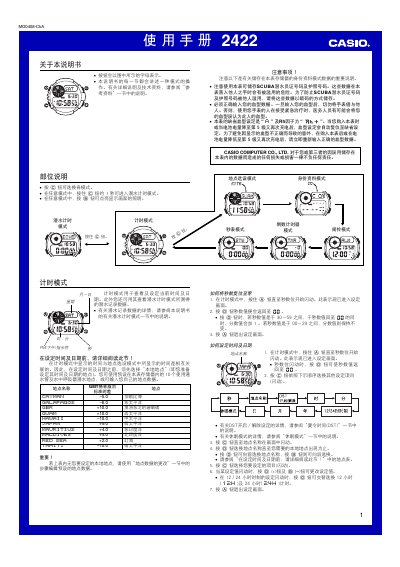
This manual provides step‑by‑step instructions for operating the Casio 2422 watch, covering all modes such as time‑setting, DST, dive timer, alarm, countdown timer, stopwatch, and lighting. It also includes safety warnings, battery care, and data‑entry procedures for identity information.
The guide details how to configure location settings, enable automatic illumination, and maintain the solar‑powered rechargeable battery, ensuring reliable performance for everyday use and underwater activities. This manual is written in Chinese.
| Power source | Solar cell with rechargeable battery |
|---|---|
| Display illumination | EL (electroluminescent) panel |
Enter Time Setting mode by pressing and holding the A button until the seconds digits flash, then use the D and B buttons to adjust the values and press A to save.
While the dive record screen is displayed, hold D and press A simultaneously to erase the stored dive data.