
The Extech MO55W user guide explains how to measure moisture in wood and building materials using probe and non‑probe modes, with Bluetooth data logging.
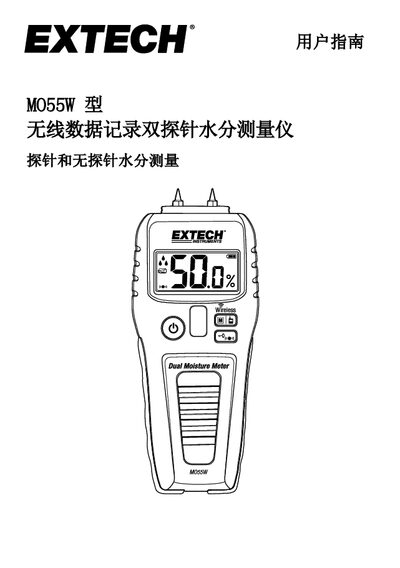
The MO55W is a compact handheld moisture meter that can measure wood, concrete, drywall, tile and other building materials. It offers both invasive probe measurements for highest accuracy and non‑probe (capacitive) measurements for quick dry‑wet comparisons. Readings are shown on an LCD with numeric values, sound tones and water‑drop icons, and can be transmitted via the built‑in Bluetooth DAT12 module to the free ExView® W app on iOS or Android devices.
The guide covers instrument layout, operation steps, battery replacement, wireless setup, alarm configuration, auto power‑off (APO) behavior, and maintenance. Detailed specifications, FCC compliance information, and contact details for support are also provided. This manual is written in Chinese.
| Probe mode range (wood) | 5.0 % – 50.0 % |
|---|---|
| Probe mode range (building material) | 1.5 % – 33.0 % |
| Non‑probe mode range (wood & building) | 0.1 % – 99.9 % |
| Accuracy (probe mode) | ±(3 % rdg + 5 digits) |
| Battery | 9 V (1 cell) |
| Dimensions (W × H × D) | 170 mm × 65 mm × 30 mm |
| Weight | 120 g |
| DAT12 storage capacity | >15 k readings |
When the battery icon is blank or flashing, open the rear battery compartment, replace the 9 V battery with correct polarity, and close the compartment securely.
Press the mode button briefly to select a measurement mode, then long‑press the same button to enable wireless transmission; a wireless icon will appear on the display.
If the instrument is idle for three minutes, it automatically powers off to save battery; a short beep warns the user just before shutdown.