
This user's manual describes the safe use of the HL-2040/HL-2070N laser printer, installation of hardware and drivers, printing, scanning, and copying operations.
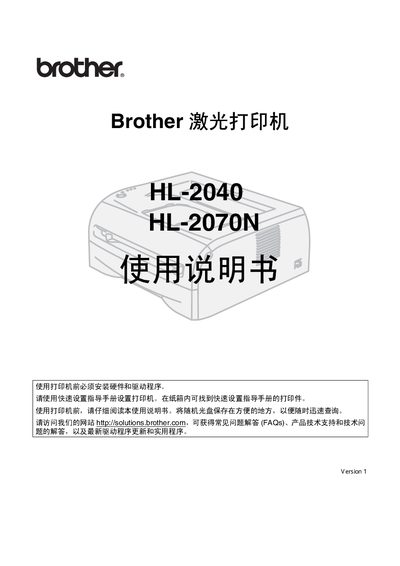
This manual covers safe handling of the Brother HL-2040 and HL-2070N laser printers, including warnings about high‑voltage components, hot surfaces, and proper cleaning methods. It explains how to unpack the printer, verify included accessories, and prepare the device for first use.
Detailed sections guide you through installing the appropriate interface cable (USB, parallel, or network), configuring driver software for Windows and Macintosh, using the control panel, selecting paper types, performing routine maintenance such as toner and drum replacement, and troubleshooting common issues like paper jams and error messages. This manual is written in Chinese.
| Maximum USB cable length | 2.0 m |
|---|---|
| Maximum parallel cable length | 2.0 m |
The box contains the printer, a toner cartridge unit, a quick‑start guide, a CD, a warranty card, and an interface cable.
Turn off the power, unplug the printer, and use a dry lint‑free cloth to carefully remove toner dust; do not use a vacuum cleaner.
Do not use a USB cable longer than 2.0 meters.