
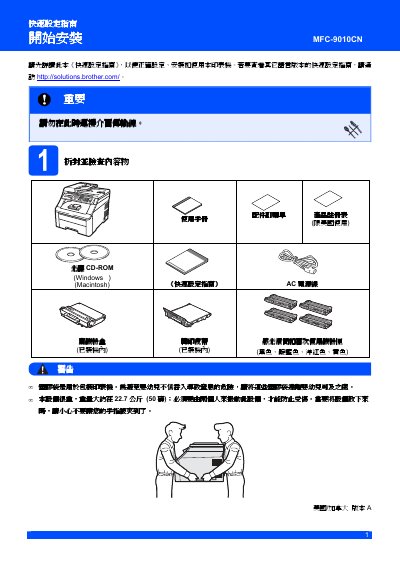
This manual provides a quick‑setup guide for the Brother MFC-9010CN printer, covering safety precautions, removal of packaging, and initial configuration steps. It includes important warnings to prevent injury and instructions for handling the printer’s heavy weight of about 22.7 kg.
The guide details paper loading, power connection, language selection, LCD contrast adjustment, and optional accessories such as SO‑DIMM memory modules and replacement cartridges. It also lists trademark information and references to additional resources on Brother’s support website. This manual is written in Chinese.
| Weight | ≈ 22.7 kg (≈ 50 lb) |
|---|---|
| Dimensions | 15.7 in (400 mm) |
Follow the steps in the “Packaging Removal” section to take off the outer box, open the top cover, and discard the internal protective film.
Pull out the paper tray completely, adjust the paper size guides, place the paper with the printable side down, and push the tray back until it clicks into place.
Press Menu → 1 → 4, select “LCD Contrast”, increase or decrease the value, then confirm with OK.
Optional accessories include a 144‑pin SO‑DIMM memory module and replacement toner cartridges such as TN‑210C, TN‑210M, TN‑210Y, and TN‑210BK.