
This document provides a quick installation guide for the HL-2130, HL-2240D, HL-2250DN SCHN printers. The document includes the components and steps required for installation, and provides explanations for the printer indicator lights.
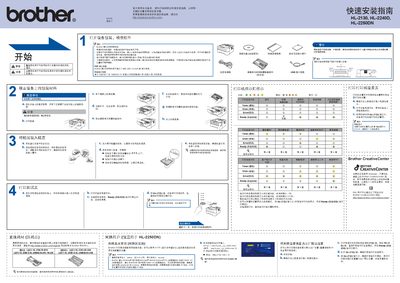
This guide provides step‑by‑step instructions for unpacking, setting up power, connecting USB or network cables, and installing the printer driver. It also covers safety warnings, required accessories, and basic troubleshooting.
The document includes details on replacing consumables such as toner and drum units, configuring network settings, and resetting the printer to factory defaults. Links to Brother Solutions Center for driver downloads are also provided. This manual is written in Chinese.
| Maximum USB cable length | 2 m |
|---|---|
| Network cable type | Category 5 or higher twisted‑pair |
| Power plug | Standard grounded plug supplied with the printer |
Use a USB 2.0 (A/B) cable no longer than 2 meters.
Press the Go (Start) button six times until all indicator lights flash.