
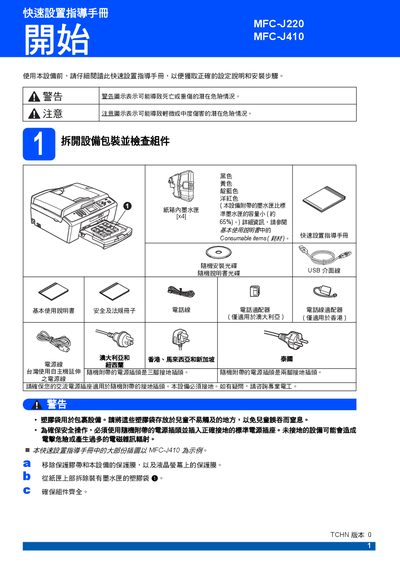
Brother MFC-J220 / MFC-J410 Quick Setup Service Manual


Brother MFC-J220 / MFC-J410 Quick Setup Service Manual - cover page
Brand
Brother
Category
Printer
Document type
Quick Start Guide
Language
Chinese
Pages
16
File format
PDF
File size
3 MB
Published
21 September, 2011
Updated
29 September, 2023
Models
MFC-J220, J410
MD5 checksum
DE00C0650B30F31EF544EA4C3B01F9CA

About this manual

The guide begins with safety warnings and grounding requirements, then walks the user through unpacking, connecting power and telephone lines, and loading paper (A4 size). It also covers ink cartridge installation, initial cleaning cycles, and print‑quality checks.

Later sections explain how to set the device's country/region, adjust LCD contrast, set date and time, choose language, and configure the four available receive modes. The manual finishes with instructions for replacing consumables and accessing online resources. This manual is written in Chinese.

What's inside

  • Quick Setup Guide
  • Safety and Grounding
  • Paper Loading
  • Ink Cartridge Installation
  • Print Quality Check
  • LCD Contrast and Language Settings
  • Country/Region Selection
  • Consumable Replacement

Specifications

Compatible inkBrother original ink

Frequently asked questions

How do I set the country/region for the printer?

Select the Set Country menu, choose the appropriate country (e.g., New Zealand or Australia), and confirm with the OK key.

What safety step must be taken before using the device?

The device must be properly grounded before power is applied.

Which ink cartridges should be used with this model?

Only Brother original ink cartridges are recommended for optimal performance.

Download PDF (3 MB)

More Brother Manuals


View all Brother manuals →