
This document provides the user manual for Brother's FAX-2820 and MFC-7220 i devices. These devices are designed for use with two-core analog PSTN lines and include safety precautions and a quick reference guide.
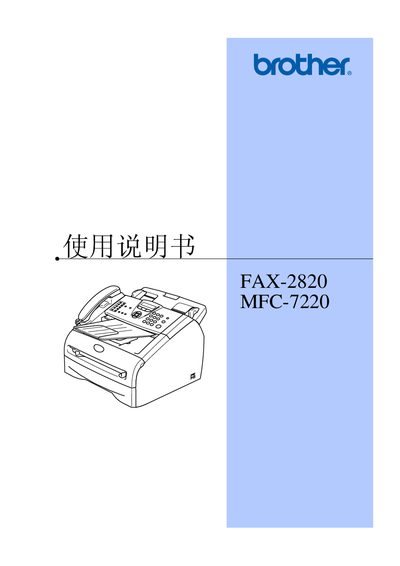
This manual covers the Brother FAX-2820 fax machine and the MFC-7220 multifunction device. It includes safety guidelines, installation tips, paper handling, and detailed instructions for sending and receiving faxes, copying, scanning, and using advanced features such as remote fax and polling.
The document also provides troubleshooting steps, maintenance procedures, and technical specifications such as laser diode parameters, recommended paper types, and required interface cables. All instructions are presented for the Chinese market but apply to the devices worldwide. This manual is written in Chinese.
| Laser diode wavelength | 770‑810 nm |
|---|---|
| Laser output power | Maximum 5 mW |
| Laser class | Class 3B |
| Recommended paper weight | 75‑90 g/m² ordinary copy paper |
| Interface cable length limit | Maximum 2.0 m for parallel or USB cable |
| EMC compliance | EN55022 (CISPR Publication 22) Class B |
Wipe the scanner window with a soft, lint‑free cloth.
The laser diode’s maximum output is 5 mW.