
This document describes the features and characteristics of the HP EliteBook 840 G3 notebook.
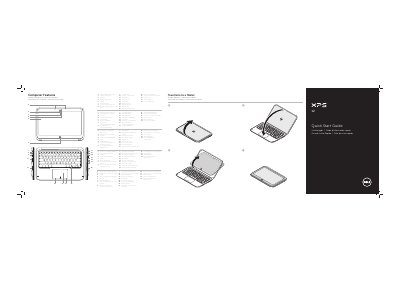
The Dell XPS 9Q23 is a notebook PC that can be transformed into a tablet. This guide provides a visual map of the computer's hardware features and instructions for basic operation.
It includes details on the device's ports, backlit keyboard, and function keys for controlling system settings such as brightness, volume, and wireless connectivity.
| Input Voltage | 100 V AC–240 V AC |
|---|---|
| Input Current (max) | 1.30 A |
| Input Frequency | 50 Hz–60 Hz |
| Output Voltage | 19.50 V DC |
| Output Current | 2.31 A |
The device features USB 3.0 ports (including one with PowerShare), a Mini-DisplayPort, a power-adapter port, and a headphone/microphone-combo port.
You can use the designated function key to toggle the keyboard backlight on or off.