
Dell Precision 7820 Tower Quick Start Guide.
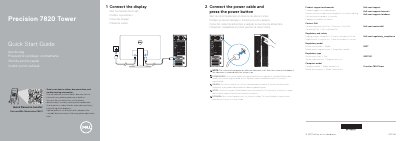
This quick start guide for the Dell Precision 7820 Tower shows how to connect the display and power cable and press the power button. It also notes that the system will not power on while the side cover is off and will shut down if the side cover is removed while the system is on.
The guide identifies front and rear features, provides product support, contact, regulatory, and model information, and includes a scan code for how-to videos, documentation, and troubleshooting information.
| Regulatory model | D02T |
|---|---|
| Regulatory type | D02T001 |
| Computer model | Precision 7820 Tower |
The system will not power on while the side cover is off, and it shuts down if the side cover is removed while the system is on.
Scan the code in the guide to see how-to videos, documentation, and troubleshooting information.
The regulatory model is D02T.
The regulatory type is D02T001.