
Dell Vostro 15 3000 Series Laptop Quick Start Guide.
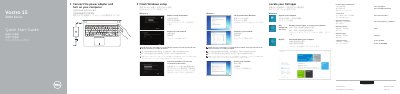
This quick start guide is for the Dell Vostro 15 3000 Series laptop, identified in the guide as model Vostro 15-3558. It covers initial setup steps such as connecting the power adapter, completing Windows setup, locating Dell apps, registering the computer, and using Dell Backup and Recovery and My Dell.
The guide also labels the computer's external features and shortcut keys and provides product support, manuals, contact, and regulatory information. It is presented in English, Chinese, and Japanese.
| Regulatory model | P52F |
|---|---|
| Regulatory type | P52F001 |
| Computer model | Vostro 15-3558 |
| USB 2.0 connectors | Included |
| USB 3.0 connector | Included |
| VGA connector | Included |
| Network connector | Included |
| Memory-card reader | Included |
Enter the password for wireless network access when prompted.
It can back up, recover, repair, or restore the computer.
It checks and updates the computer.
See the Owner’s Manual at dell.com/support.