
Inspiron 14 5000 Series Quick Start Guide.
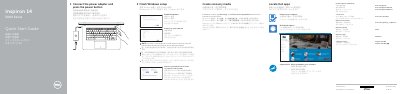
This guide helps you set up your Dell Inspiron 14 5000 Series laptop quickly. It covers connecting power, starting the device, completing Windows setup, registering your computer, connecting to a network, and creating a recovery media. The guide also includes a diagram of the laptop’s ports and features, along with shortcut key functions for audio, display, and brightness control.
The document is bilingual, with text in Chinese, English, and other languages, and includes regulatory and safety information, as well as contact details for Dell support. This manual is written in Chinese.
Enter the password for the wireless network access when prompted.
In Windows search, type Recovery, click Create a recovery media, and follow the instructions on the screen.
Ports include HDMI, USB 3.0, USB 2.0, optical drive, security-cable slot, and more.