
The Dell Precision Mobile Workstation 7000 Series Quick Start Guide describes how to connect the power adapter, finish Windows 10 setup, and use SupportAssist.
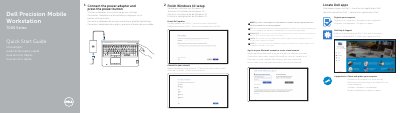
This Quick Start Guide is for the Dell Precision 7510 Mobile Workstation. It explains how to connect the power adapter, press the power button, and finish Windows 10 setup.
The guide also covers Dell Help & Support, SupportAssist updates, network and Microsoft account sign-in, and locating Dell apps. A features diagram identifies connectors, buttons, lights, and optional components such as the camera and fingerprint reader.
| Input voltage | 100 V AC–240 V AC |
|---|---|
| Input current max | 2.34 A–2.5 A |
| Input frequency | 50 Hz–60 Hz |
| Output voltage | 19.5 V DC |
| Output current | 9.23 A |
Connect the power adapter and press the power button.
Enter the password for the wireless network access when prompted.
The computer model is Dell Precision 7510.