
Dell Precision Rack 7910 Quick Start Guide

Dell Precision Rack 7910 Quick Start Guide.
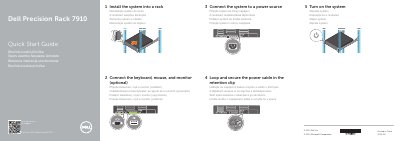

Dell Precision Rack 7910 Quick Start Guide - cover page
Brand
DELL
Category
Servers Computer
Document type
Quick Start Guide
Language
English
Pages
2
File format
PDF
File size
146 KB
Published
26 November, 2023
Updated
26 November, 2023
MD5 checksum
302EF6680EBEC2AFC403E8D8C38B1BFE

About this manual

Dell Precision Rack 7910 Quick Start Guide provides a short setup sequence for the Dell Precision Rack 7910. It covers rack installation, connecting peripherals and power, securing the power cable, and turning on the system.

The guide also identifies 22 labeled system features and points to Dell product support, manuals, regulatory, and safety information.

What's inside

  • Install the system into a rack
  • Connect the keyboard, mouse, and monitor (optional)
  • Connect the system to a power source
  • Loop and secure the power cable in the retention clip
  • Turn on the system
  • Features
  • Product support and manuals
  • Regulatory and safety

Specifications

Regulatory modelE31S
Regulatory typeE31S001
Computer modelDell Precision Rack 7910

Frequently asked questions

Where can I find product support and manuals for the Dell Precision Rack 7910?

The guide lists dell.com/support and dell.com/support/manuals.

What is the regulatory model of the Dell Precision Rack 7910?

The regulatory model is E31S.

What is the regulatory type of the Dell Precision Rack 7910?

The regulatory type is E31S001.

Download PDF (146 KB)

More DELL Manuals


View all DELL manuals →