
OptiPlex 5050 Small Form Factor Quick Start Guide
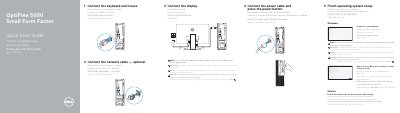
This document provides multilingual instructions for the initial setup of the Dell OptiPlex 5050 Small Form Factor (SFF) computer. It details the steps to connect peripherals such as the keyboard, mouse, network cable, and display, noting specific instructions for systems with discrete graphics cards. It also guides users through connecting to the network and signing in to a Microsoft account or creating a local account to complete the operating system setup.
| Regulatory Model | D11S |
|---|---|
| Regulatory Type | D11S002 |
| Product Model | OptiPlex 5050 SFF |
Connect the display to the discrete graphics card instead of the main display port.
Enter the password for the wireless network access when prompted.