
The document describes the features and functions of Lenovo computers.
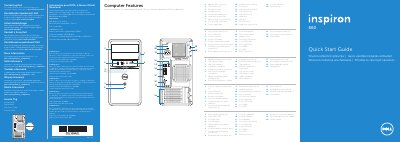
This guide helps you set up your Dell Inspiron 660 desktop. Connect peripherals like keyboard, mouse, and display using the provided ports. Follow the steps to power on and complete Windows setup. The guide includes diagrams of ports including USB, HDMI, VGA, and audio jacks, plus security cable and padlock ring locations.
| Model | Dell Inspiron 660 |
|---|---|
| Regulatory Model | D11M |
| Input Voltage | 115/230 VAC |
| Input Current | 7.0 A/4.0 A or 6.0 A/2.1 A |
| Input Frequency | 50 Hz to 60 Hz |
Ports include USB 2.0, USB 3.0, HDMI, VGA, audio, expansion card slots, security cable slot, and padlock rings.
Connect the power cable and press the power button.