
The Dell™ Vostro™ 460 Service Manual provides instructions on how to disassemble and replace components in your computer.
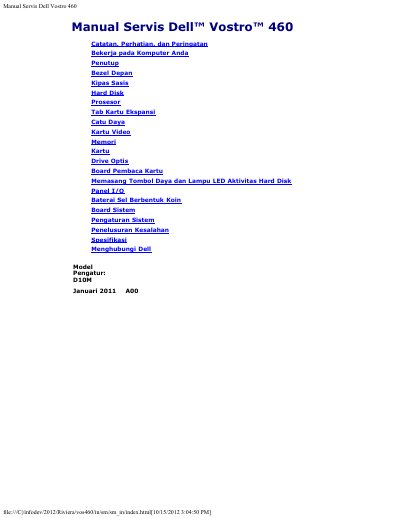
The Dell Vostro 460 Service Manual provides detailed technical guidance for maintaining and repairing the Vostro 460 computer. It covers the removal and installation of various internal hardware components, including the processor, memory, and power supply.
Additionally, the document includes comprehensive system specifications, environmental operating limits, and diagnostic light indicators to assist in troubleshooting system board or power supply issues.
| Power Supply Wattage | 350 W |
|---|---|
| Coin Cell Battery | 3 V CR2032 |
| Height | 360.00 mm (without base) / 362.90 mm (with base) |
| Width | 175.00 mm |
| Depth | 445.00 mm |
| Weight | 9.66 kg – 11.22 kg |
| Operating Temperature | 10 °C to 35 °C |
A solid yellow light indicates a problem with the system board or the power supply.
A flashing white light shows that the computer is reading data from or writing data to the hard drive.