
OptiPlex 7050 Micro Desktop Quick Start Guide
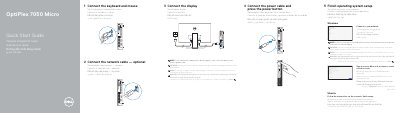
This quick start guide for the Dell OptiPlex 7050 Micro shows how to connect the keyboard and mouse, optional network cable, display, and power cable, then press the power button. It also covers finishing Windows or Ubuntu operating system setup and signing in with a Microsoft account or creating a local account.
The guide lists where to find Dell apps, product support and manuals, and regulatory and safety information. A labeled feature list identifies the computer's ports and connectors, including USB, DisplayPort, HDMI, network, audio, and optional antenna connections.
| USB 3.0 Type-C port | Present |
|---|---|
| USB 3.0 ports | Present |
| HDMI port | Present |
| Network port | Present |
| Antenna connector | SMA connector, optional |
| Security cable slot | Kensington |
Connect the keyboard and mouse to the computer.
Connect the display to the discrete graphics card if your computer was ordered with one.
Enter the password for the wireless network access when prompted.
Follow the instructions on the screen to finish setup.