
Troubleshooting guide for Dell 7130cdn Professional Color Printer.
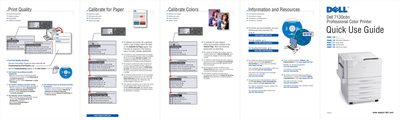
This guide helps users resolve print quality issues and calibrate color balance for optimal output. It includes instructions for adjusting paper settings to match the loaded paper type, preventing damage to the fuser. Sections cover troubleshooting steps, calibration procedures, and supported paper types with weight ranges for different trays.
| Supported Paper Types | Plain Paper, Heavy Plain Paper, Thin Card Stock, Thin Glossy Paper, Card Stock / Glossy Paper, Thick Card Stock / Thick Glossy Paper, Extra Thick Card Stock |
|---|
Follow the procedure outlined on the Tutorial Page, which describes basic and advanced adjustments.
Print-quality problems can occur and the fuser can be damaged.