
The Dell™ Inspiron™ 1564 laptop is a stylish, thin and light notebook that features Intel Core 2 Duo processors and Intel Centrino wireless technology for powerful performance and mobility.
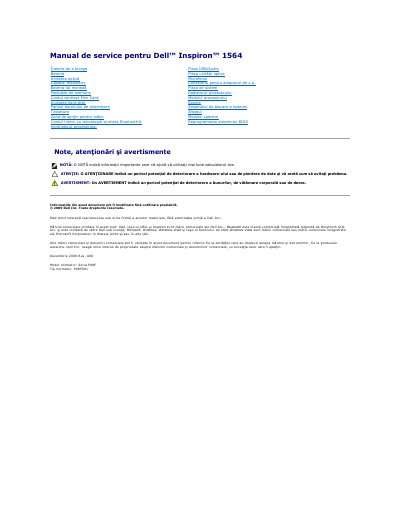
This is the Romanian-language service manual for the Dell Inspiron 1564 laptop (regulatory model series P08F, type P08F001). It describes the procedures for removing and reinstalling the computer's components, with each procedure noting the parts that must be taken out first.
The manual begins with a Before You Begin section covering recommended tools, shutting down the computer and safety precautions, then continues through the battery, optical drive, module cover, coin-cell battery, memory modules, wireless and Mini-Cards, hard drive, keyboard, palm rest, internal Bluetooth card, fans, boards, processor, display, camera module, speakers and battery latch assembly, and ends with BIOS flashing.
| Regulatory model series | P08F |
|---|---|
| Regulatory type | P08F001 |
| Recommended tools | Small Phillips screwdriver, small flat-blade screwdriver, plastic scribe, BIOS update program |
A small Phillips screwdriver, a small flat-blade screwdriver, a plastic scribe, and a BIOS update program available from support.dell.com.
With the computer turned face down on a clean, flat surface, slide and press the battery release latch, then slide the battery out of the battery bay.
Turn off the computer and attached devices, disconnect telephone or network cables and power cords, remove the battery, then open the computer and press the power button to ground the system board.
It is regulatory model series P08F, regulatory type P08F001.