
The Dell™ OptiPlex™ 170L User's Guide provides information about the computer and its components. It also provides information on how to set up, use, and maintain the computer.
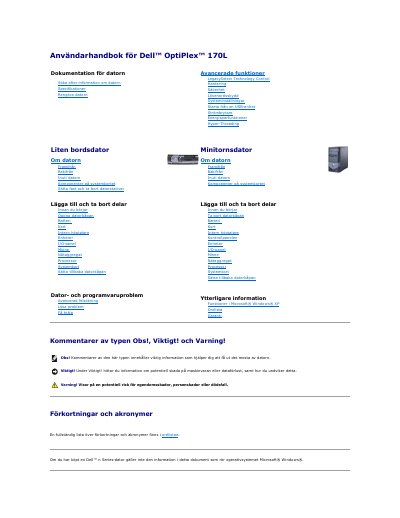
This guide for the Dell OptiPlex 170L desktop computer explains how to find information about the computer, its specifications, cleaning, advanced features, security and password protection, and system setup. It also covers starting from a USB device, the power switch, power management, Hyper-Threading, and the small desktop and mini tower computer layouts.
The guide describes the front and back of the computer, the interior, system board components, attaching and removing the computer stand, and adding or removing parts such as the battery, cards, internal speaker, drives, I/O panel, memory, power supply, processor, and system board. It also includes troubleshooting, Dell Diagnostics, drivers, Windows System Restore, reinstalling Windows XP, a glossary, and warranty information. This manual is written in Swedish.
Restart the computer, select Boot to Utility Partition from the boot device list, and press Enter. Then choose the test you want from the Dell Diagnostics main menu.
The Express Test usually takes 10 to 20 minutes and does not require user action.
A driver is a program that controls a device, such as a printer, mouse, or keyboard, and acts as an interpreter between the device and other programs.
Open Device Manager and look for an exclamation mark next to a device icon. If one appears, you may need to reinstall the driver or install a new driver.