
The quick start guide for HP computers introduces the components and functions of the computer.
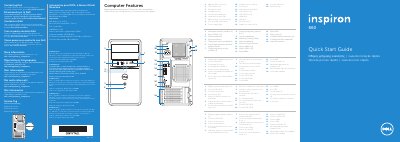
This guide identifies the Dell Inspiron 660 computer's external features and ports, including USB, HDMI, VGA, audio, network, and expansion slots.
It also shows how to connect the keyboard, mouse, network cable, power cable, and display, complete Windows setup, enable security, and access getting started and Dell support resources.
| Computer model | Dell Inspiron 660 |
|---|---|
| Regulatory model and type | D11M / D11M002 |
| Input voltage | 115/230 VCA |
| Input current (maximum) | 7.0 A/4.0 A or 6.0 A/2.1 A |
| Input frequency | 50 Hz to 60 Hz |
| USB 3.0 ports | 4 |
| Audio ports | 3 |
| Expansion card slots | 4 |
| Media-card reader | 8-in-1 |
| Optical-drive covers | 2 |
Connect the display to the connector on the discrete graphics card.
Go to dell.com/ContactDell for sales, technical support, or customer service.
See dell.com/regulatory_compliance for regulatory and safety best practices.