
The Dell™ OptiPlex™ 170L User's Guide provides information about the computer, including specifications, cleaning instructions, advanced features, and security information.
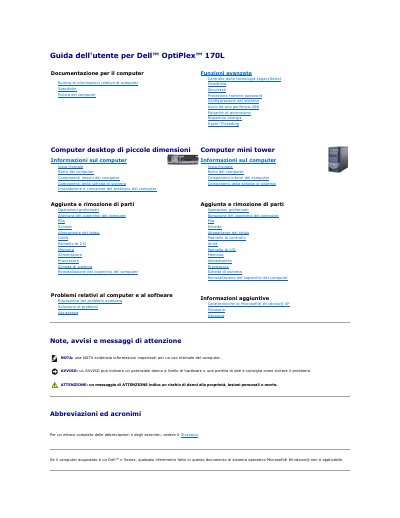
This Italian-language user guide covers the Dell OptiPlex 170L desktop computer, including system information, cleaning, advanced features, security, password protection, system configuration, USB boot, power button, energy saving, and Hyper-Threading.
It also describes internal components and add-or-remove procedures for the chassis, cards, drives, I/O panel, memory, power supply, processor, and system board, plus troubleshooting, Dell Diagnostics, support, Windows XP features, glossary, and warranty. This manual is written in Italian.
No, Dell Diagnostics should be run only on a Dell computer; running it on other computers may produce error messages.
Run Dell Diagnostics from the optional Drivers and Utilities CD.
It is displayed at the top of the screen for each test.
No, it is optional and may not be provided with all computers.