
The Dell™ OptiPlex™ 170L User's Guide provides information about the computer, including specifications, cleaning instructions, advanced features, security, and troubleshooting.
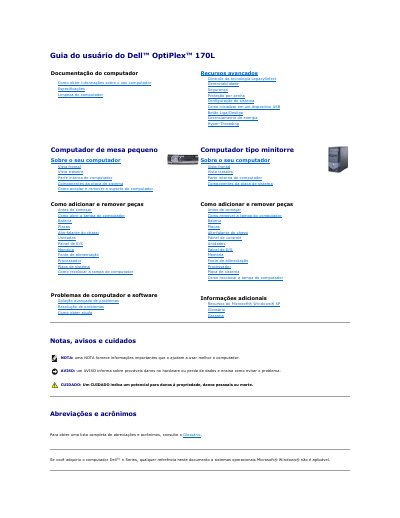
This Portuguese user's guide covers the Dell OptiPlex 170L desktop computer. It includes information on computer documentation, system configuration, security, password protection, power management, and advanced features such as Hyper-Threading and LegacySelect technology.
The guide explains how to open the computer cover, add and remove parts, and clean the computer. It also describes troubleshooting hardware and software problems and running Dell Diagnostics from the hard drive or the optional Drivers and Utilities CD. This manual is written in Portuguese.
Turn off and restart the computer, highlight Boot to Utility Partition in the boot device list, and press Enter.
No. Using the program on other computers may result in error messages.
The service tag is at the top of each Dell Diagnostics test screen.